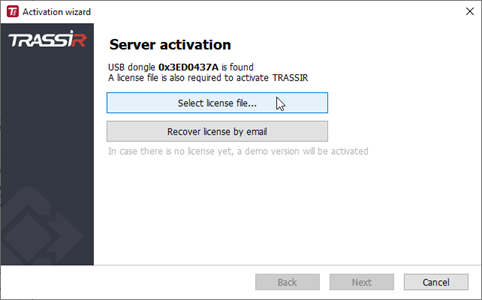
The first time you start the server, you will see a license file selection window.
- If you have license file, press Copy license file...button and specify it.
- In order to search for the license file in the TRASSIR Cloud press Find license in TRASSIR Cloud... button and enter username and ticket. In case a license has been stored in the cloud earlier, it will be automatically found and loaded.
After that, the server will start and First run wizard will appear:
-
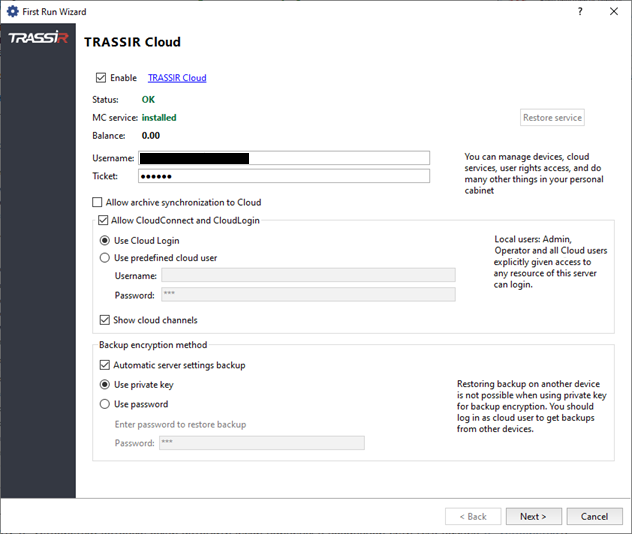
configure a connection with TRASSIR Cloud (see Connecting server to TRASSIR Cloud);
-
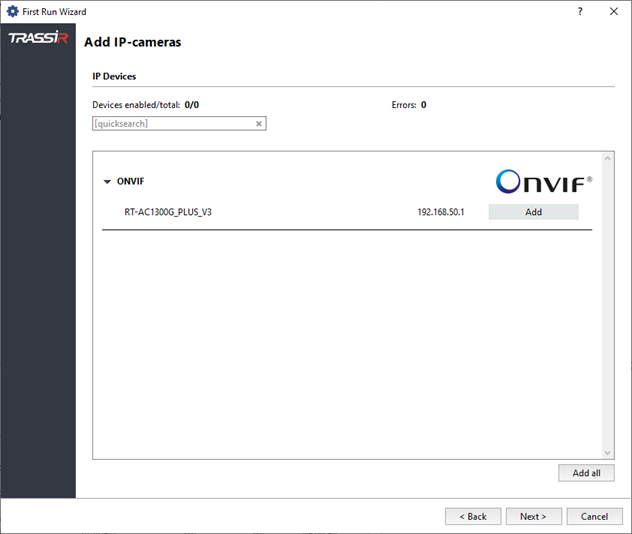
add IP devices, which have been automatically found on the local network, to the system (see IP devices);
-
to add to the system servers which have been automatically found in the local network (see section Connecting to a new server).
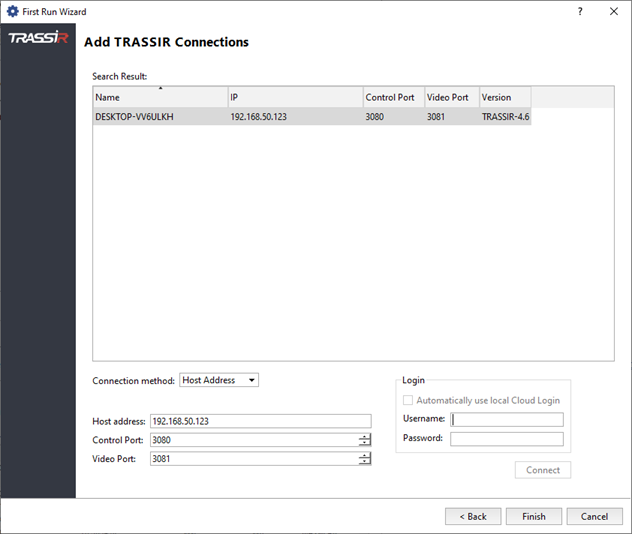
When the wizard is done, click Finish.
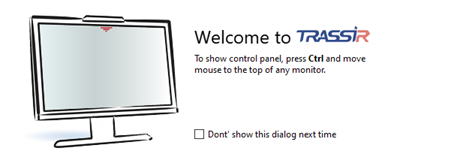
The welcome window containing the prompt will appear on the screen. In order to skip this window upon further runs, check the Don't show this dialog next time box.