
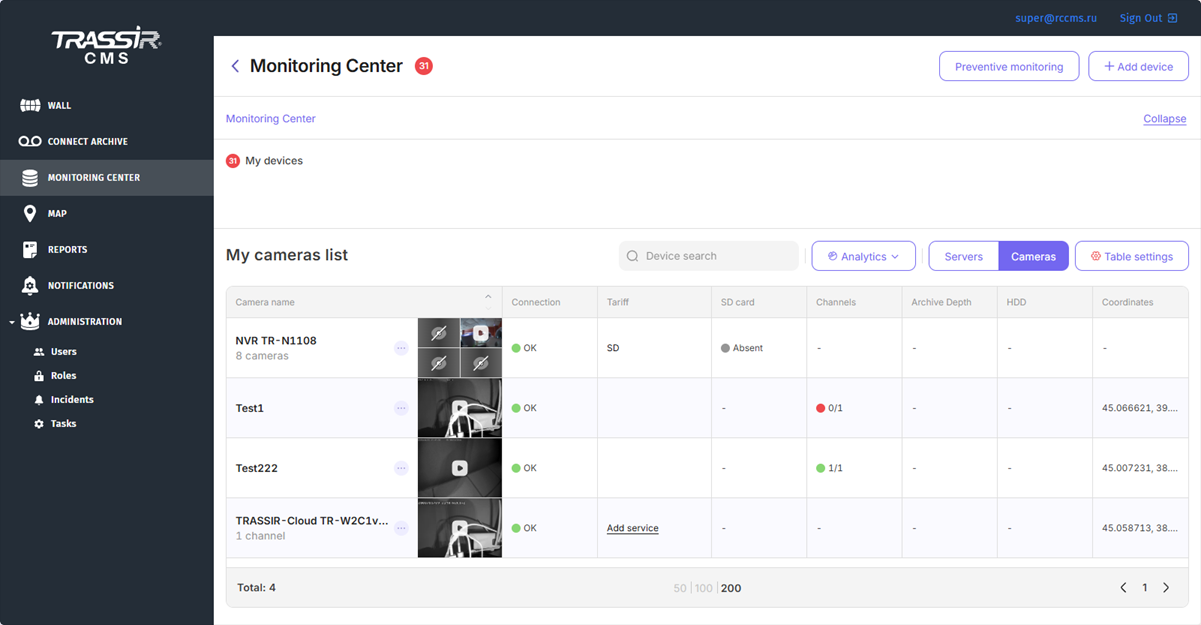
With the help of the left menu you can:
- Wall - view video and archive of the connected devices.
- Connect archive - configure archive recording from cameras to the CMS server.
- Monitoring Center - check the state of the connected devices and add new ones.
- Map - examine the location of the devices on the map.
- Reports - view and create reports on the connected device performance.
- Notifications - customize notifications about the devices' state changes, delivered by email, in VMS interface.
-
Administration:
- Users - create and edit users.
- Roles - assign access rights to various TRASSIR CMS objects to the users.
- Incidents - customize the types of event generating alarm incidents.
- Tasks - customize automatic solution of various tasks in TRASSIR CMS with the help of scripts.
Use the top menu to:
- Personal account - update your personal information, view information about your last connection and about those currently connected to the account, open this manual.
- Exit - logout CMS.
