
Warning
Before connection setup get aware of the specific features of the corresponding system:
In order to connect the server to the system, select the name of the plugin corresponding to the system being connected in the Settings window and set the following parameters:
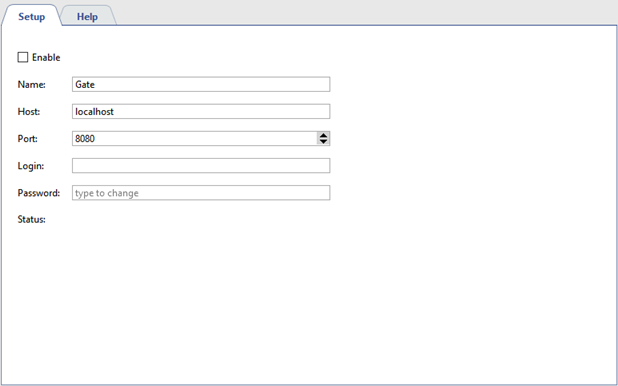
- Name - name of the plugin displayed in the settings tree.
- Address - system server IP-address or DNS-name.
- Port - connection to the system port.
- User name and Password - account data on the systems server.
Set the Enable flag. After that, the connection state will appear in the Status field. In case all parameters are entered properly, the Connected message will appear, and all the connected system objects will be added to the object tree.
System objects settings is described in the AMCS or security and fire alarm system objects settings tree.
