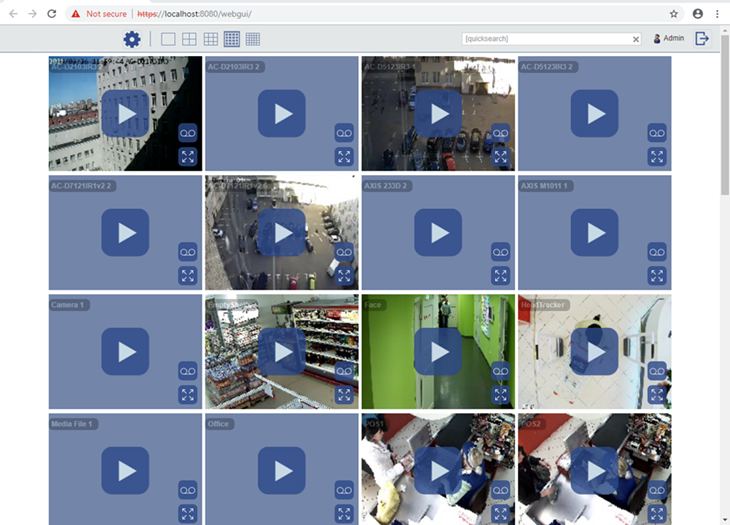
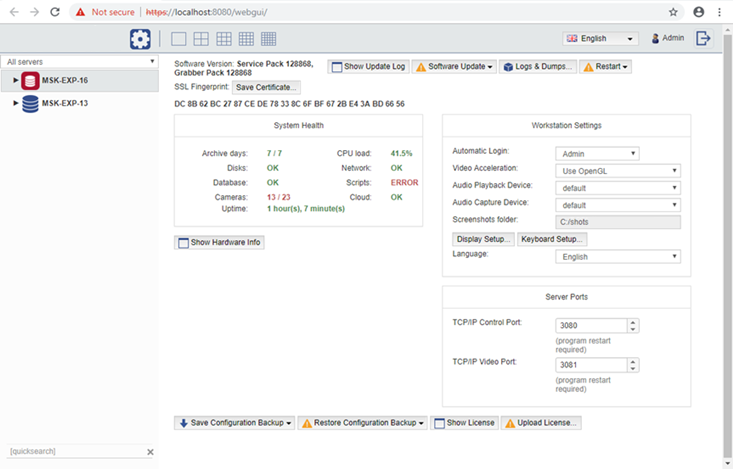
Important
The following ports are used to connect to the WEB interface by default:
- 8080 and 80 are main and additional ports of access to access WEB-interface. You can modify the main port value and activate additional port use in Web-server settings.
- 555 is video streaming port.
Add the connection to these ports to he firewall exception.
Follow the next steps to connect to the WEB interface:
-
Enter IP-address of server and access port (for example, https://192.168.1.201:8080) in browser address line.
Tip
In case the Redirect from port 80 box is checked in the settings, you can use only the server IP-address to log in, for example, https://192.168.1.201.
-
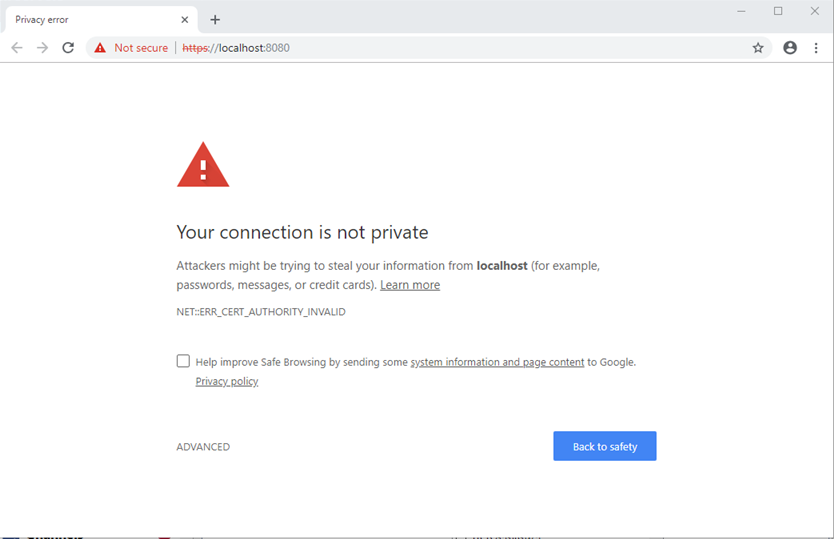
Upon connection , a browser security system notification will appear. Click the corresponding link to confirm proceeding to server WEB-interface.
Tip
Add the server IP-address to the browser secure address list. Therefore, upon the next connection, the browser won't show the notification.
-
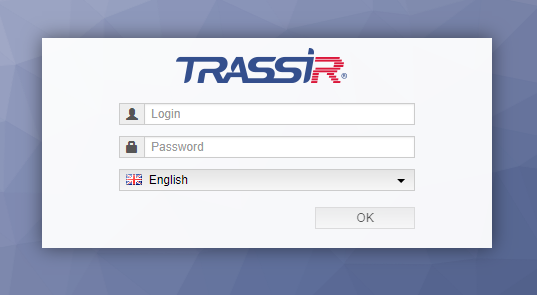
Enter the User name and Password into the authorization window. You can select the WEB-interface language, if necessary.
-
You can start the work after that!