
Tip
You can download TRASSIR Client from our website.
Read about all TRASSIR settings in detail on the Administrator's guide.
The Operator's Guide will help you to understand the interface functions.
Install and start TRASSIR Client. Press the Settings button on the main panel.

Go to the TRASSIR Cloud connection settings window (Client -> Client Settings -> Cloud).

Set the Enable flag and select Use predefined cloud user and enter your cloud account login and password.
Upon successful login all cloud cameras will appear in Operator's interface.
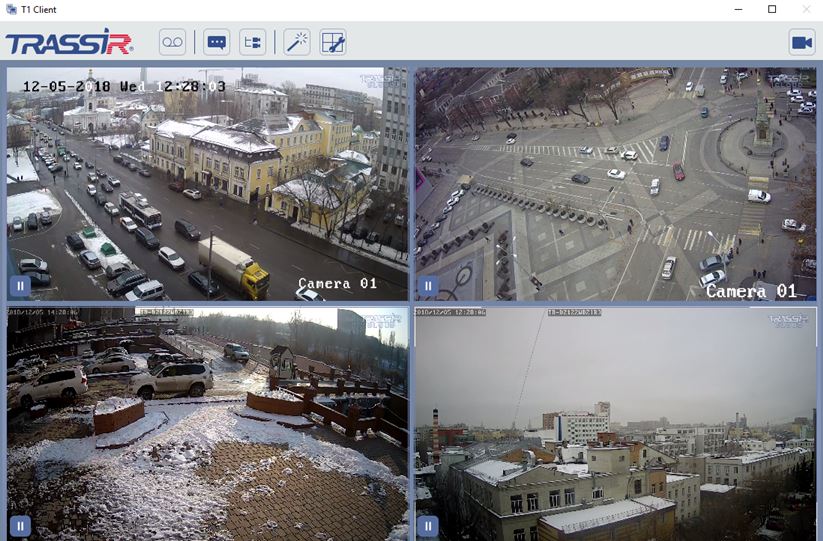
After that you will be able to watch video and archive of the cloud cameras, and also save archive fragments to a video file.
