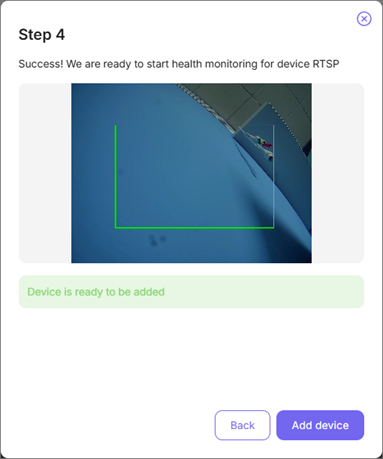
To play video from the device, TRASSIR CMS can remotely connect to it using a RTSP query.
Important
The RTSP query format depends on the device manufacturer.
For details, see the device user manual.
In the cloud:
-
Step 1.
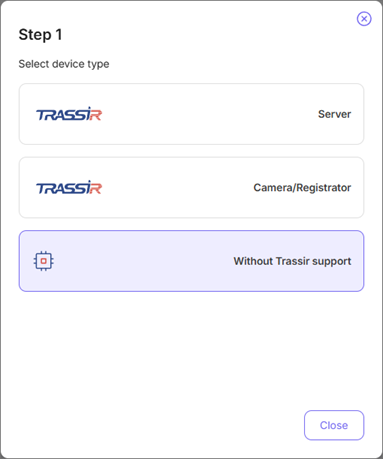
Click Add device button on the Monitoring Center page.
-
Step 2.
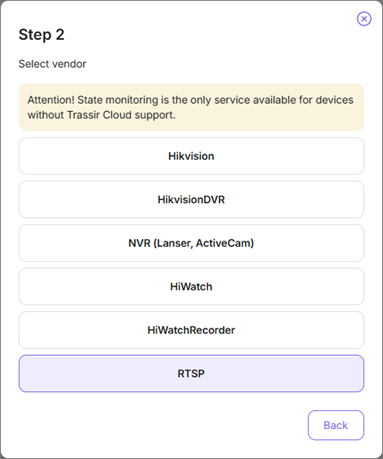
Click Without Trassir support button and select RTSP.
-
Step 3.
Enter the Device name and specify the RTSP query in the URL field.
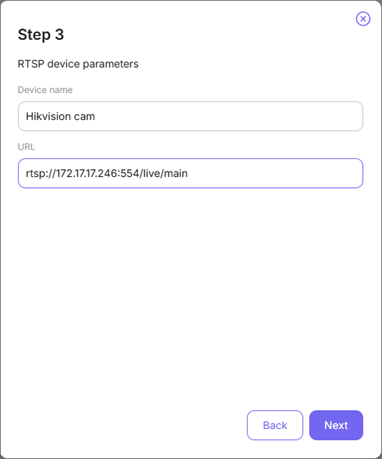
Click Next.
-
Step 4.
Wait several seconds for the Cloud to connect to the device. Complete the connection by clicking the Add device button.