
To create a map:
-
Click Map in the server settings.
-
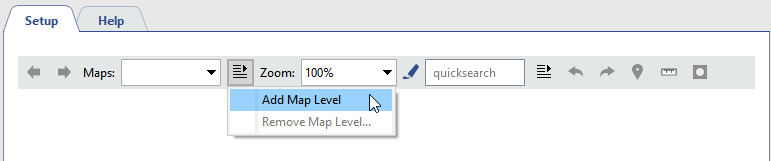
Expand the Maps dropdown list and select Add Map Level.
-
Enter a name for the new map.

-
To upload image press the button
 .
.

-
Select the image file.
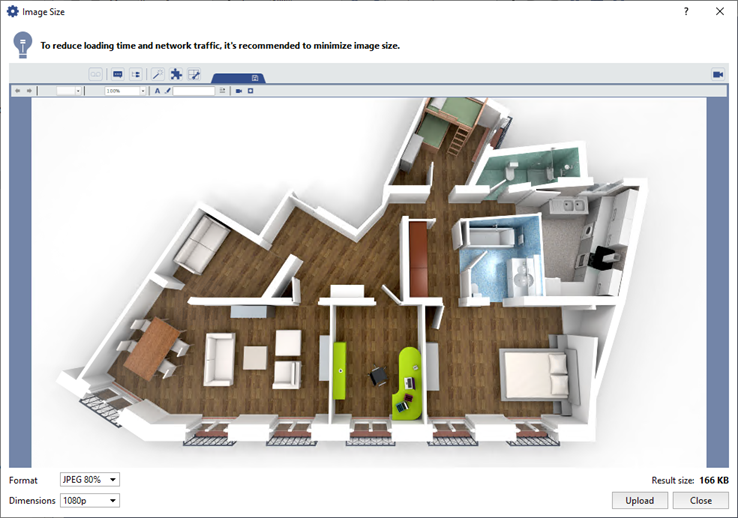
Set the image compression settings in the Format and Dimensions fields.
Important
Choose the image file considering the following:
- The max. size of the image file is 10 MB.
- If the overall size of all uploaded maps exceeds 10 MB, the Automatic server settings backup function is disabled (see Connecting server to TRASSIR Cloud).
-
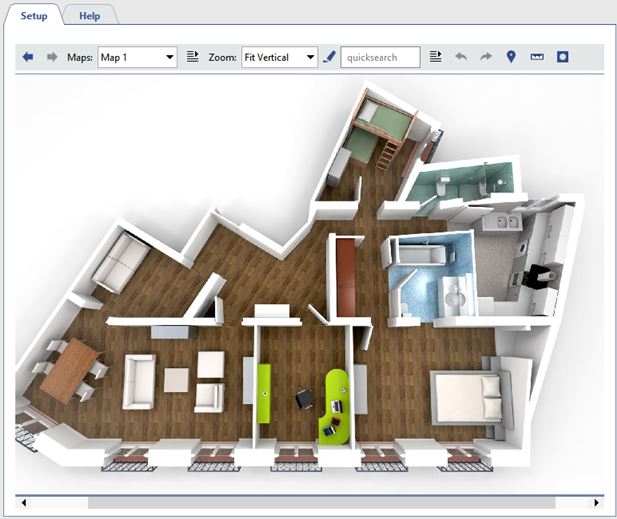
The uploaded map appears in the Setup window:
Tip
To blur the background press
 . The blurred background makes the objects and teleports stand out more distinctly on the image.
The buttons
 ,
,  and
and  are used to add various objects to the map. See Adding objects to the map and Adding teleports.
