
Lost channels is a unique feature of our software that significantly simplifies the work with an archive. If a device is deleted
or disconnected, the archive recorded by the device will be accessible as lost channels. They are identified in the operator's
interface by the following icon  (You can read more about the possible colors of channel icons in the Operator's Guide).
You can view and export the archive for these channels without any limitations; no additional steps or settings are necessary. And as usual, loss channels are available over the network given a client-server connection.
This feature also supports viewing an archive recorded on a different server in a video surveillance system. For example, if you copy an archive from one computer onto a disk, flash drive, or network drive and then connect the drive to another server, the list of the archive's channels will appear on the second server (read more about new disk connection in Archive setup on the server).
You can hide a particular lost channel in the Channel settings, by pressing Erase Lost Channel Archive.

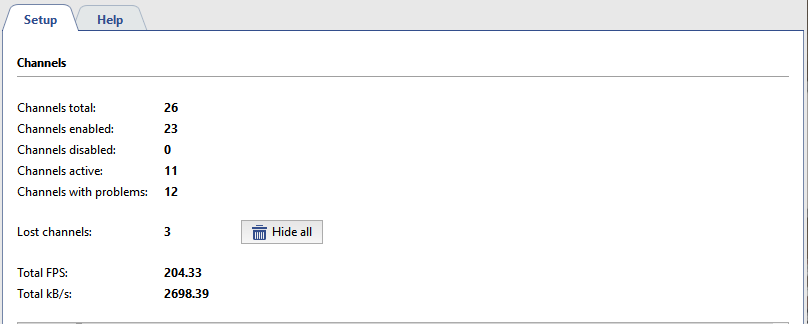
To hide all lost channels click Hide all in the Channels tab.
Tip
You can use both server and client versions of the software to manage lost channels. You can read more about working with the archive in the Operator's Guide.
