
Tip
TRASSIR ACS supports GPIO: you can activate it in the controller settings.
For details see Connecting devices.
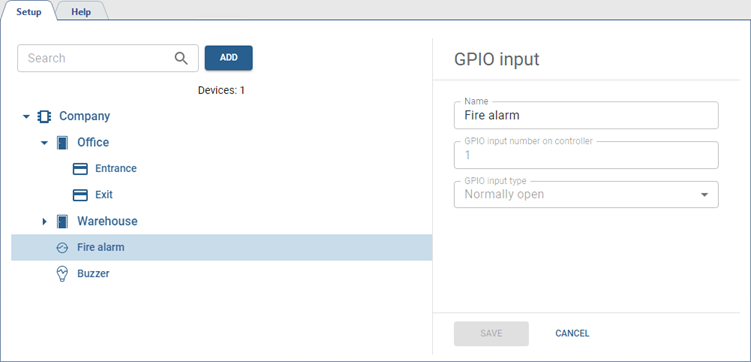
The GPIO input is the port of the controller which is intended to receive signals about the occurrence of some alarm event. You can change its Name if necessary.
The GPIO output is used to indicate alarm conditions. You can change its Name, if necessary.
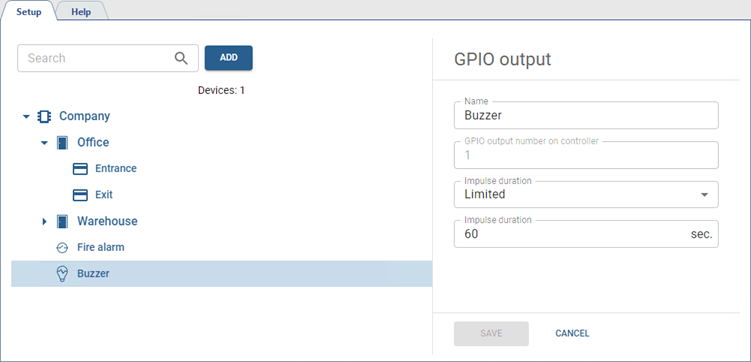
Additionally, you can specify the time during which an impulse will be sent to the GPIO output contacts. To do this, in the Impulse duration field, select Limited and specify the time in seconds.
Tip
Using GPIO inputs, you can configure various rules that will be executed depending on their current state.
See more on setting up autonomous rules in Autonomous rules settings.
