
Upon successful connection to the server, all the objects corresponding to connected system objects will be created. You can select only those objects required for video surveillance system integration.
All objects of connected system need to be bound to corresponding channels.
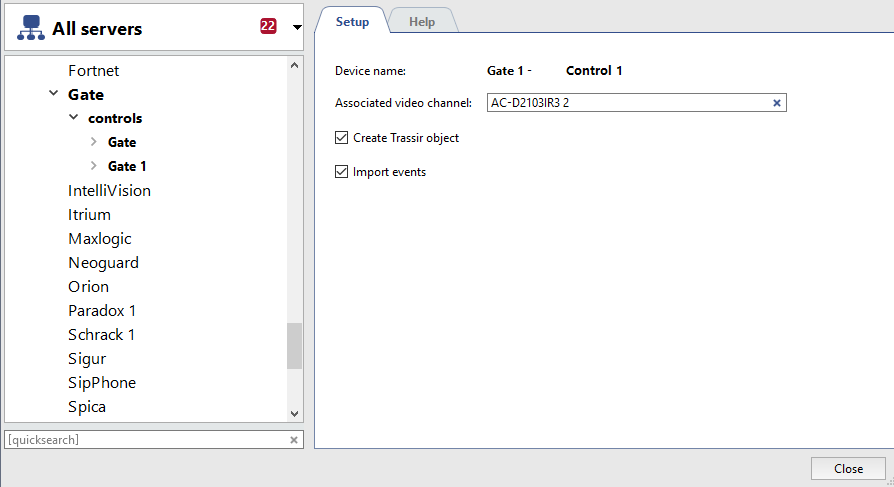
To do this set the following parameters in each system's object settings window:
- Device name - The name of the device received from system server. To change device name it is necessary to rename corresponding object on the system server.
- Associated channel is a video channel connected with given object. Single channel can be bound to the several objects. For example if several readers for access control are installed on the door to the corridor, all of them can be bound to the same camera.
- Create objects is the box establishing the necessity to create an object for the given device. This box is checked by the system for all the objects as default setting. In case such a device is not used in video surveillance system, it should be unchecked. It will allow refraining from unnecessary objects creation and enhance substantially your work with server.
- Import events is the box establishing the necessity to import events of the given device from AMCS. System checks this box by default for all the objects.
Tip
This section describes the procedure of connection to AMCS or security and fire alarm system. Principles of operation with the objects and events of the systems are described in "Operator's Guide".
