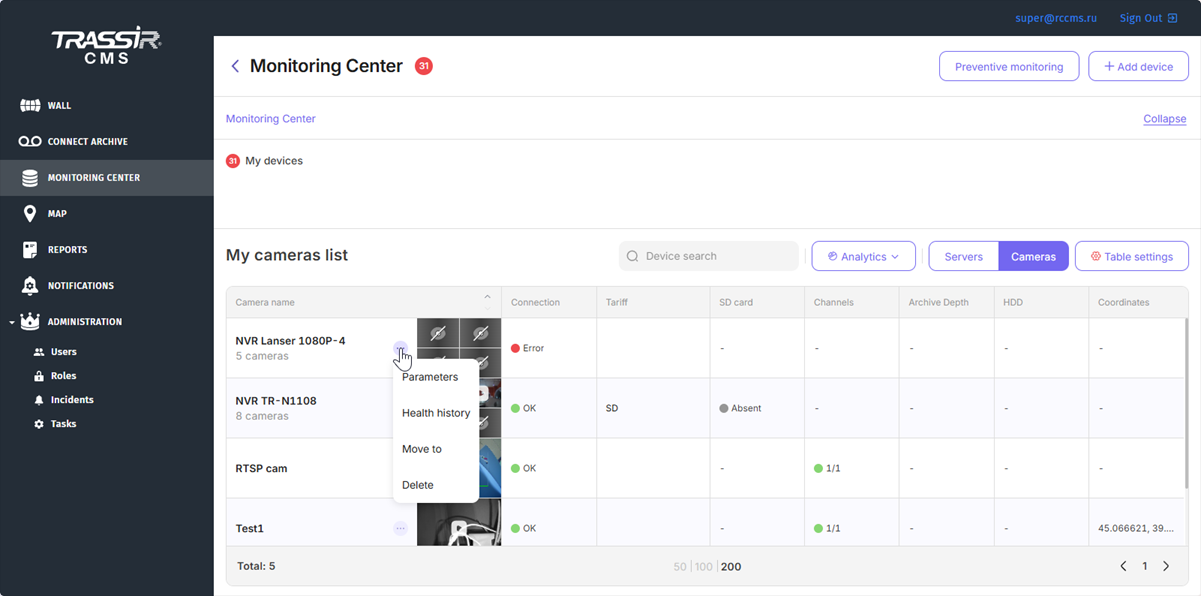
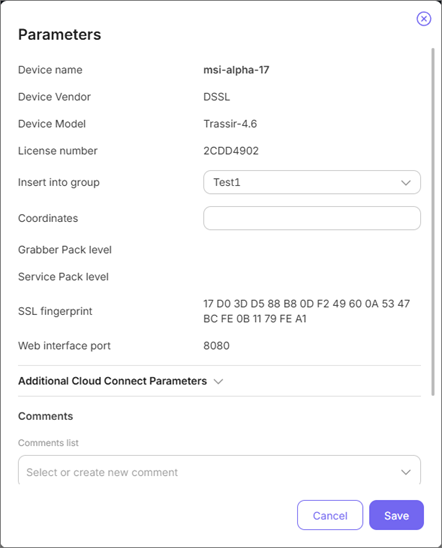
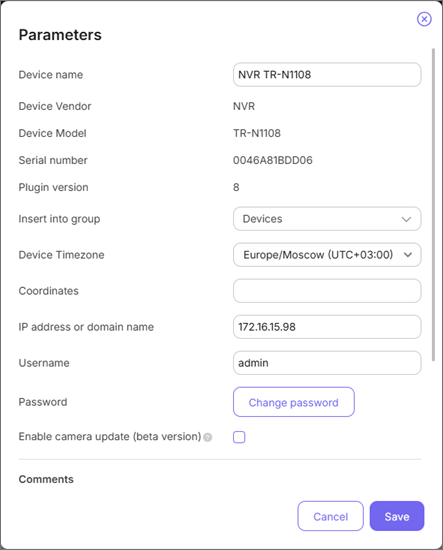
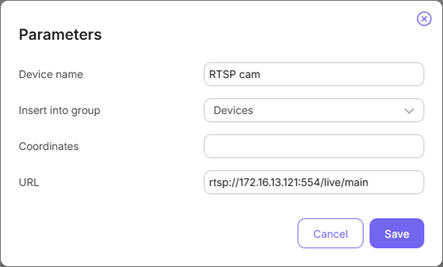
Press the button near the device name and select Parameters. The parameters' settings will open.
Tip
A set of parameters can vary according to the selected device.
Configuring direct connection with TRASSIR server
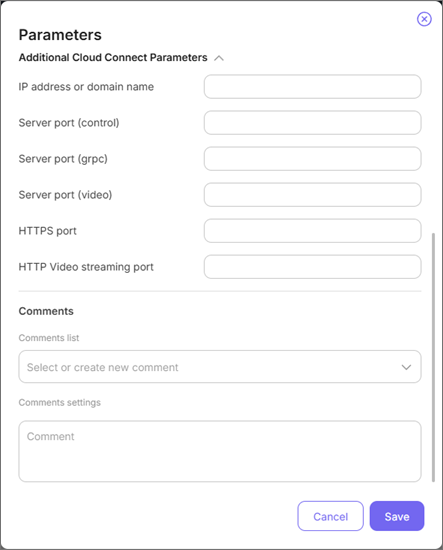
You can set up direct P2P connection between TRASSIR CMS and TRASSIR server. To do this, expand the Additional Cloud Connect parameters menu and specify the connection parameters.
Device grouping in TRASSIR CMS
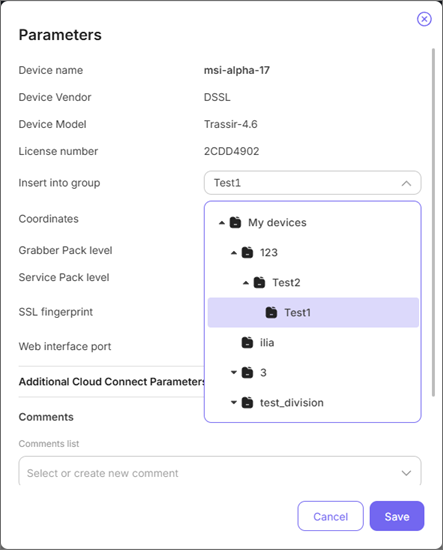
When working with a great number of devices, you can unite them into groups. It can be helpful for building a hierarchy of an organization or drawing complex reports. You can create the required groups on the Monitoring Center page. Then in the devices' parameters select the created group.
Comments to devices in TRASSIR CMS
The Comments are the additional user specifications which can be used for more detailed device description. You can add physical address of the server installation or the phone number of the employee responsible for this server operation.
To create a new comment, enter its name in the Comments list field and its body in the field below. To add an existing comment to other devices, select its name from the comments list and enter the text.
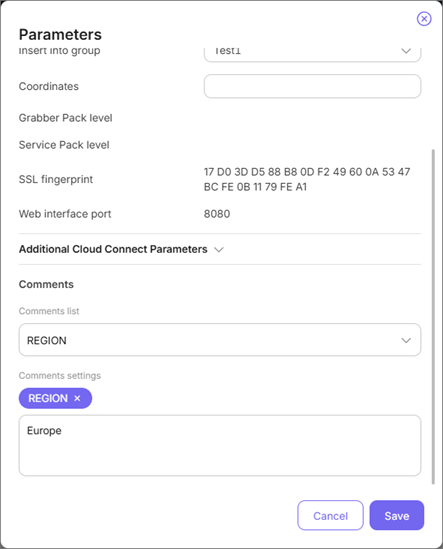
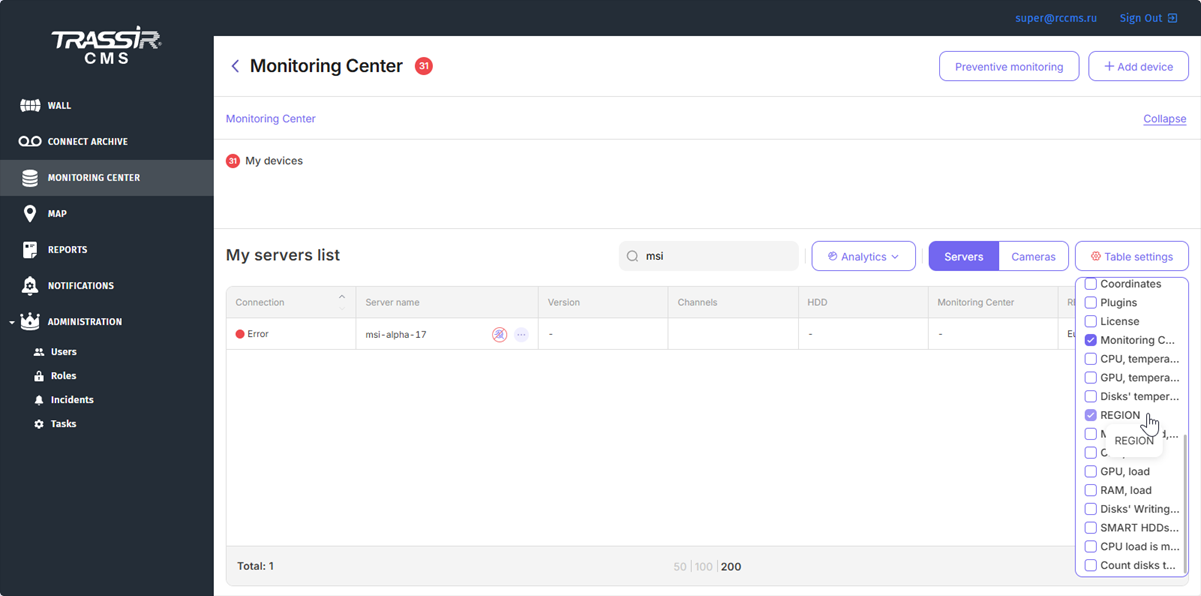
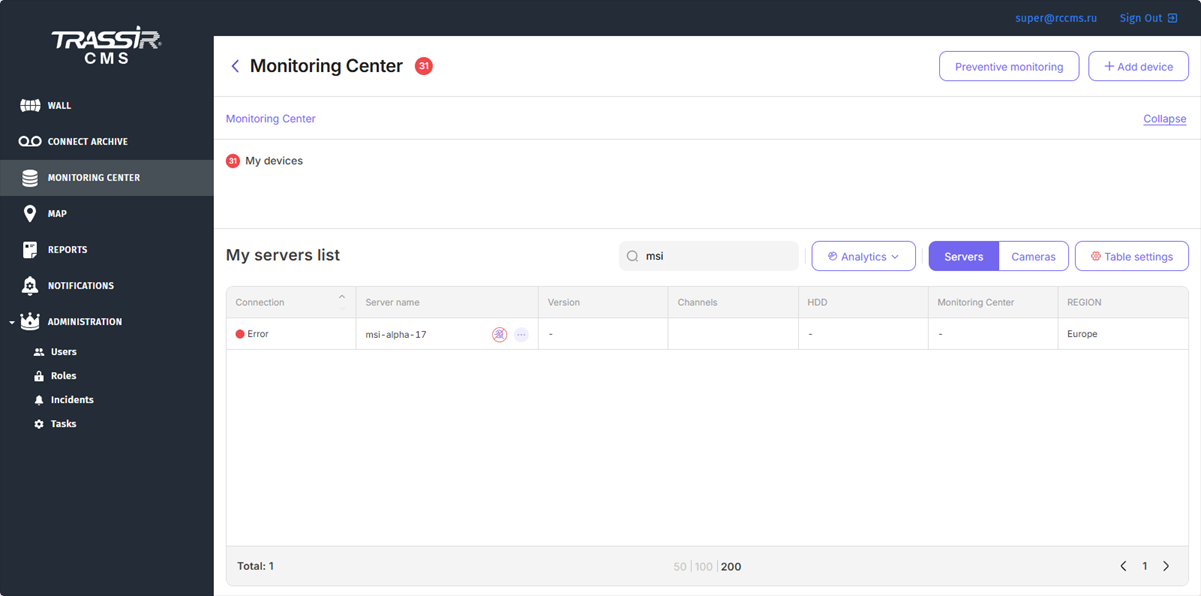
To show the comments to the TRASSIR CMS devices, click Table settings button and check the boxes next to the corresponding comments.