
Important
Features of access to TRASSIR ACS mobile app:
- The mobile application should have a local or cloud connection established and configured to the server where the TRASSIR ACS plugin is running.
- Specify the connection to a local or cloud user (depending on the server connection method) in the settings of the person, managing Access Control, which is used to connect to TRASSIR ACS server.
The mobile app supports the following TRASSIR ACS features:
- opening doors by command from the mobile app;
- creating and reviewing applications for visitors.
"Open door" feature
Follow the steps below to activate the Open door feature:
-
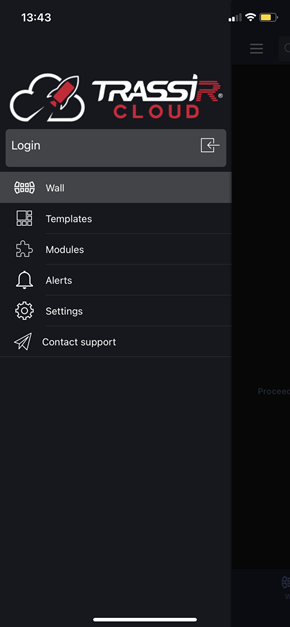
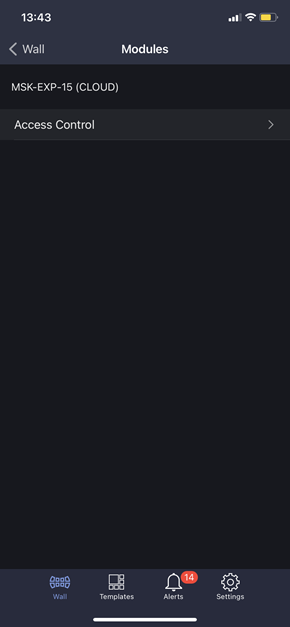
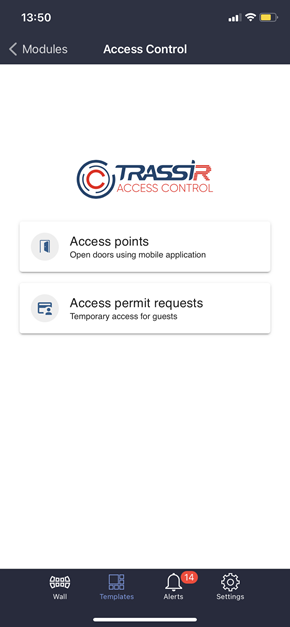
In the mobile app, open Modules -> Access Control and press Access points.
-
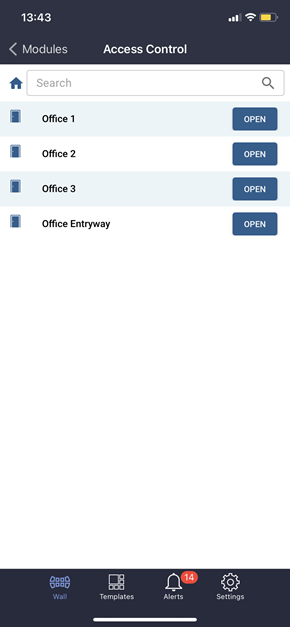
In the list that opened, select the access point for which you'd like to open the door and click the Open button.
Tip
The number of available access points depends on a person's access level.
-
Upon successful completion, the event of the door opening will be registered in the Access Control log as Unlocked once by command.
"Access permit request" feature
Follow the next steps to use the Access permit request feature:
-
In the mobile application, open the Modules -> Access Control and press Access Permit Requests.
-
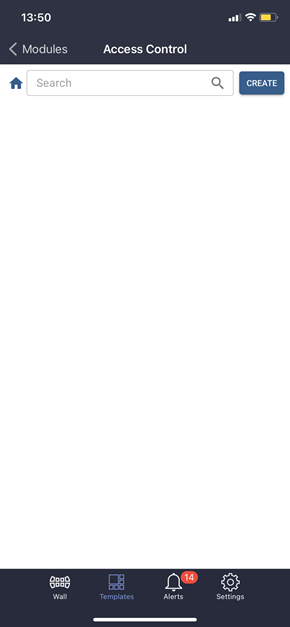
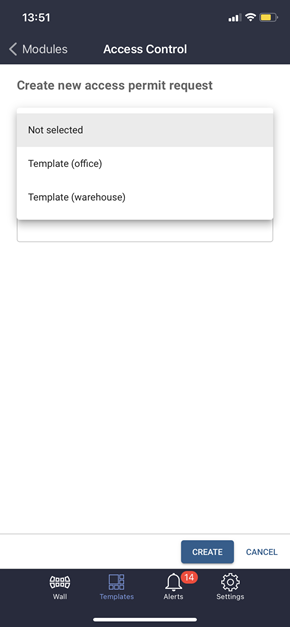
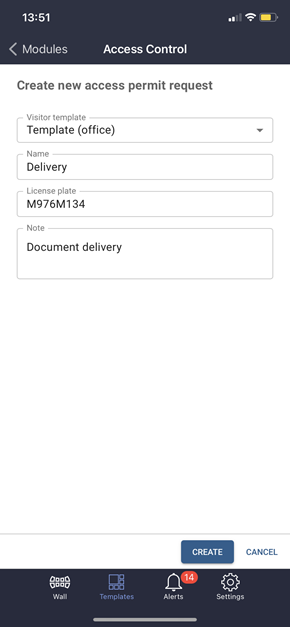
In order to create a pass request, press Create in the opened window, select Visitor template and fill in visitor data.
-
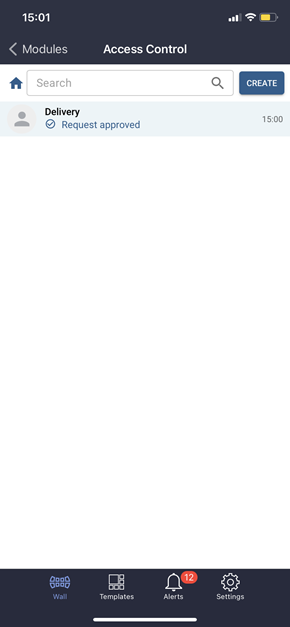
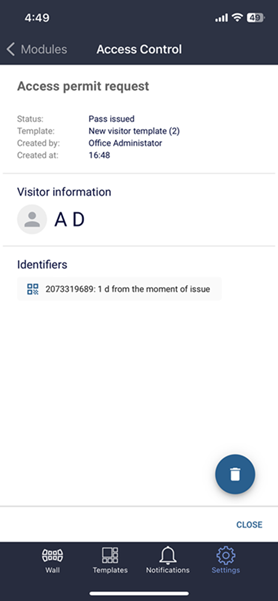
Once created, the request will appear in the list of access permit requests. Click on the request in the list to see.
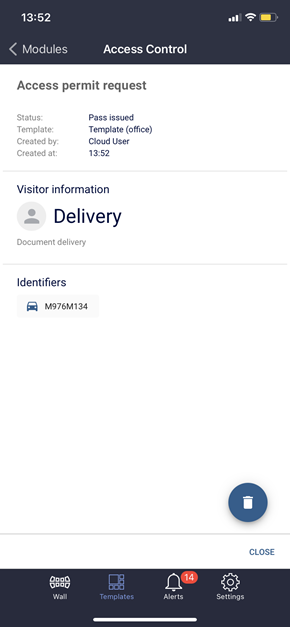
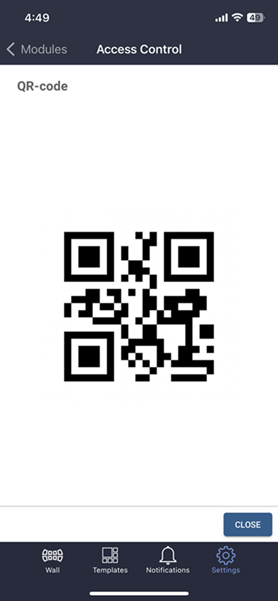
If a QR code is used as the visitor ID, tap on it to display:
Tip
Depending on the visitor template's settings, the following statuses are assigned to the created requests:
- Pass issued - the pass is active and can be used by the visitor;
- Request approved - the pass request is created, the pass will be given to the visitor upon the activation at the guard post (see Handling access permit requests).
