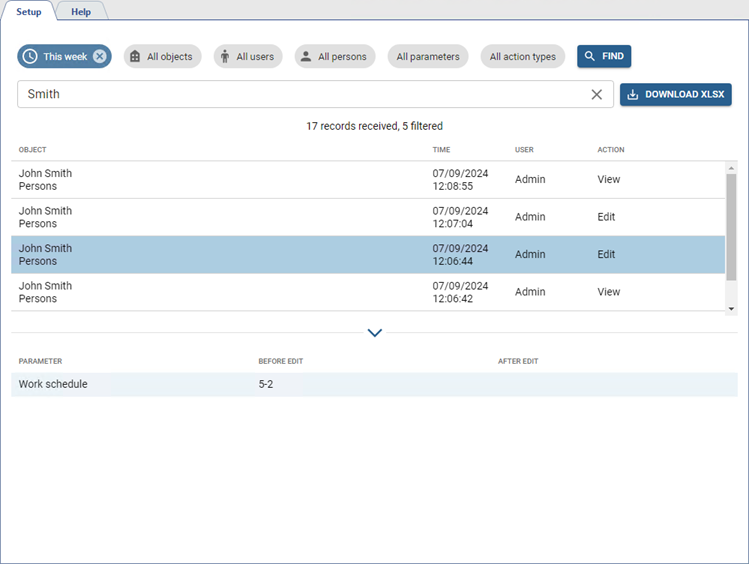
This section provides a convenient way to review all actions taken in the various sections of TRASSIR ACS Enterprise.
Go to Plugins -> Access Control Enterprise -> Audit to open.
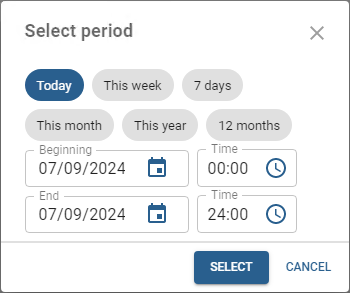
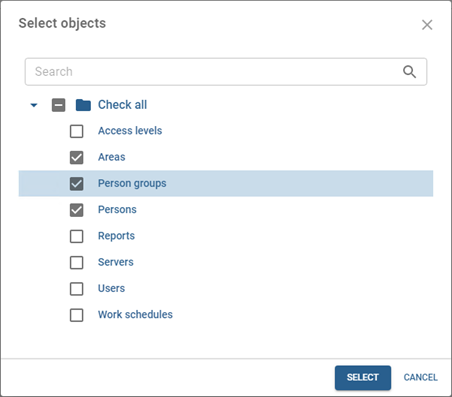
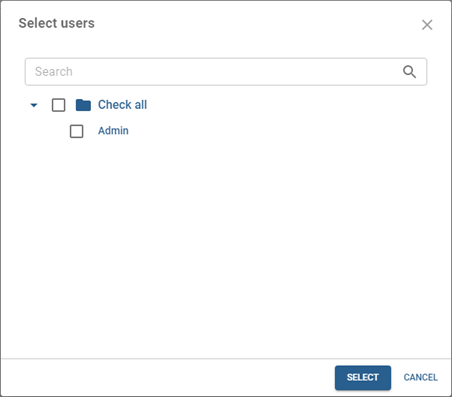
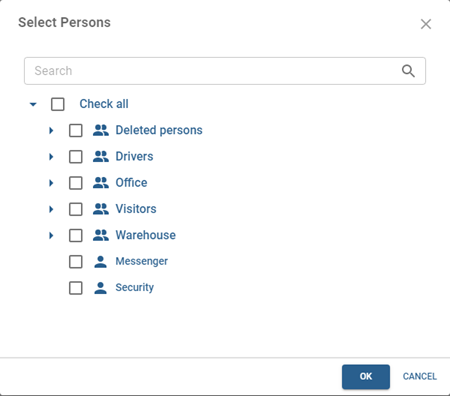
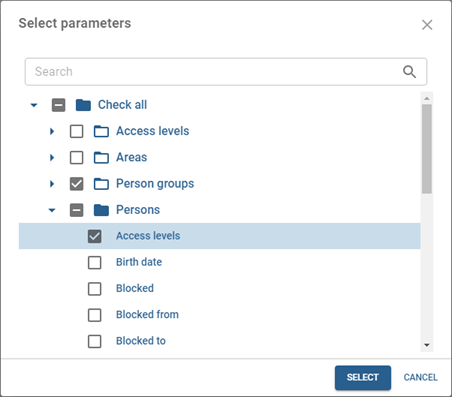
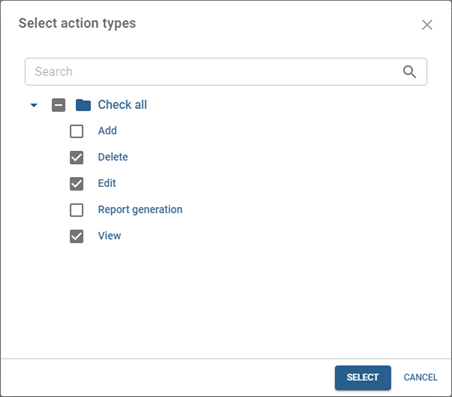
Various search criteria such as Time interval, Objects, Users, Persons, Parameters, and Action Types are conveniently provided to help you quickly find the information you need.
Tip
Persons search criterion allows to find actions done for deleted persons. To view details, select persons from the Deleted persons group.
The information storage period for deleted persons is limited by the parameter Keep records for in the database settings (see Database connection settings).
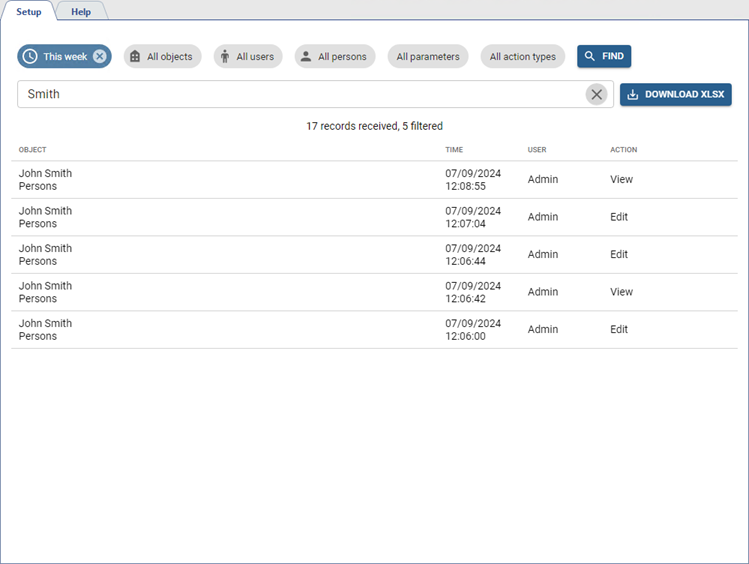
The Filter field lets you refine the search results and find the desired actions. Click on the action to check its parameters, and they will be displayed below the list.
You can save the log as a file. To do this, click Download XLSX.