
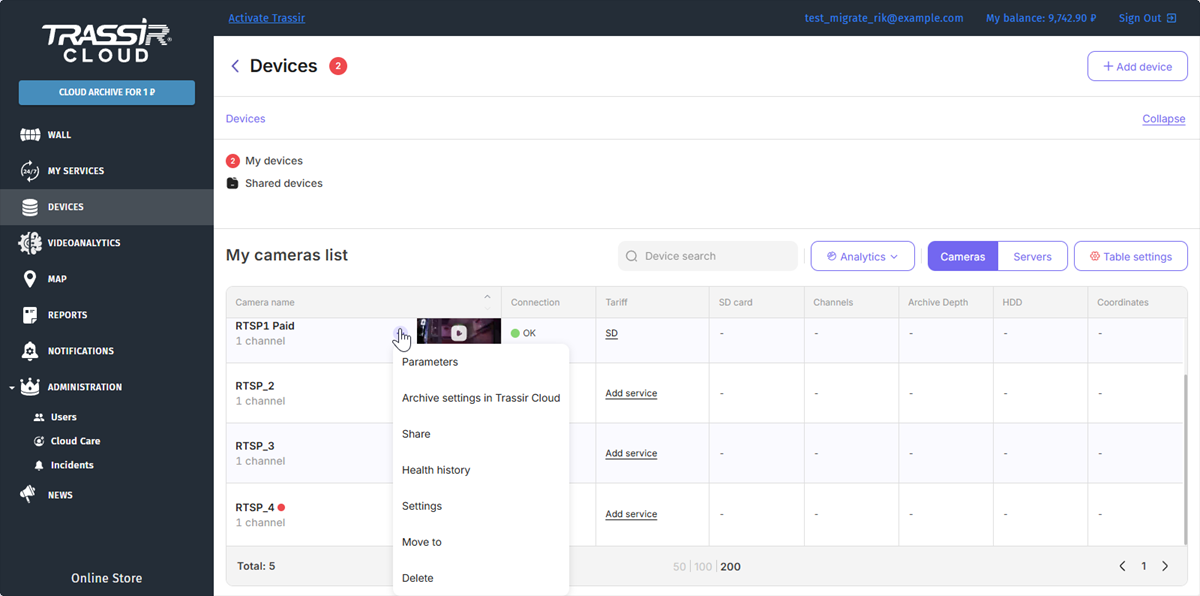
You can grant another TRASSIR Cloud user an access to watch video or archive from any of your cameras. To do this, press the button next to the device's name and select Share.
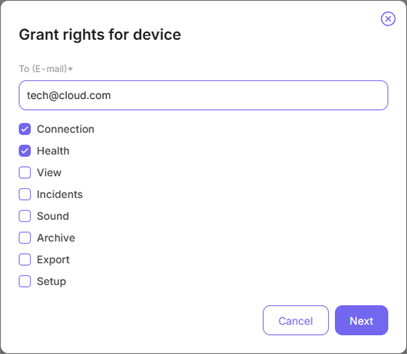
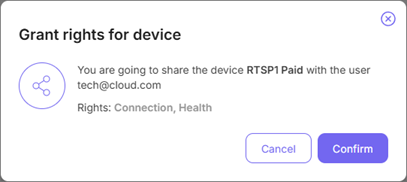
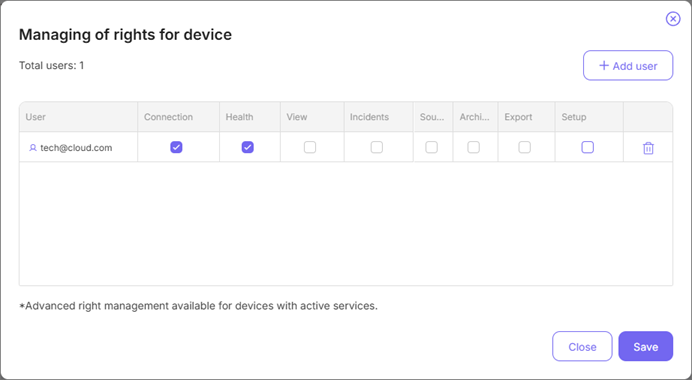
You can manage the user access rights while adding the users:
Important
You can not set up the following access rights on the devices with no services connected: View, Incidents, Sound, Archive, Export and Setup.
If you enable or disable the device Setup right, the other access rights will change automatically.
Tip
If a user is not registered in TRASSIR Cloud, they will receive a registration request. After successful registration and authorisation, the device will be available in the user's personal account in the Shared devices list.
Press  , to disconnect the user from this device.
The Users page contains advanced user rights settings.
