
Tags are user-defined labels that allow you to classify and simplify the search for objects in the system. You can assign tags to devices, access points, and persons to quickly find the necessary elements, group them by various characteristics, and filter when displaying data.
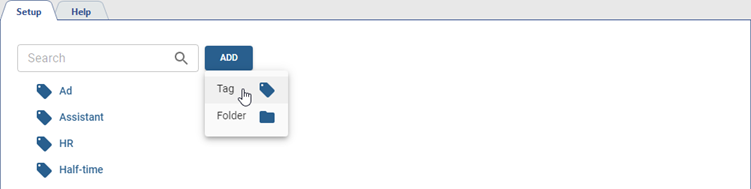
This section allows you to create, edit, and delete tags, as well as group them into folders. To open the section, go to Plugins -> Access Control -> Tags. To add a tag, click the Add button, select Tag.
Specify all required parameters: Name, Location and Comment.
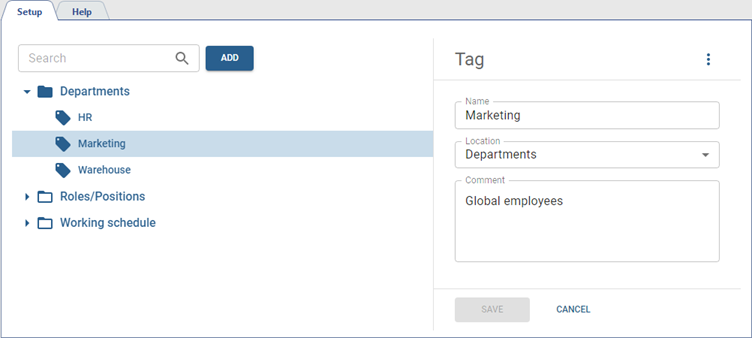
When working with numerous tags, we recommend specifying additional information in the comments: this will simplify the further search for the required objects.
Search by tags
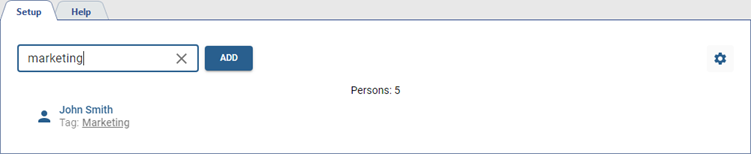
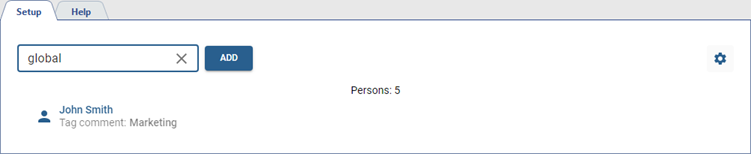
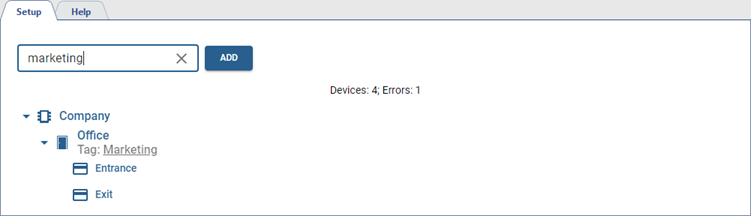
When the tags are assigned, you can search the objects by tags and comments on them. Below are options for searching for various objects in the sections Personnel and Devices:
-
Search person by tag
-
Search person by tag comment
-
Search tag access point
Tip
Learn more about assigning tags in the sections below:
