The current user's name is displayed at the top of the window. Click on it to go to your account settings page:
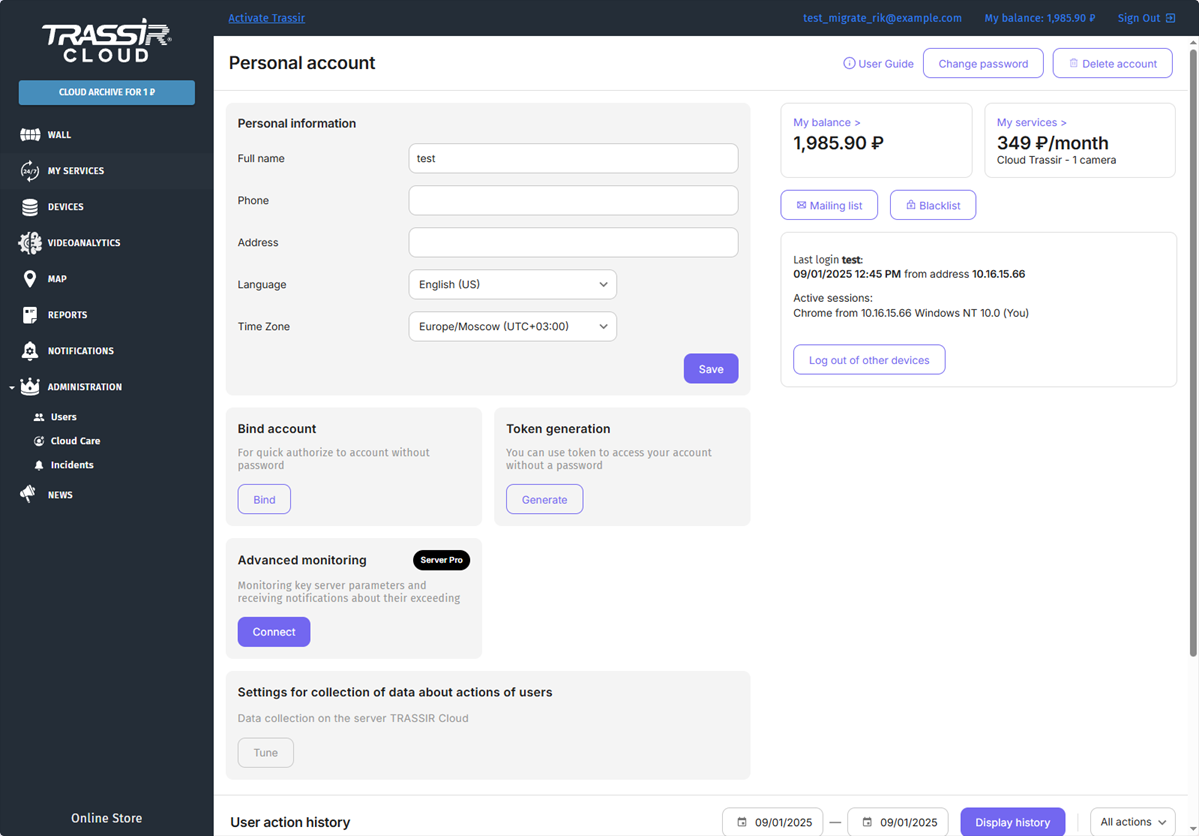
Here you can:
- Manage personal data: update your information, change your password, delete your personal account, and link your TRASSIR Cloud account to various authorization services.
- Manage users: configure access rights and blacklist users.
- Manage sessions and view activities: view and end current sessions, view user activity history.
Click the links to go to the corresponding cloud pages.
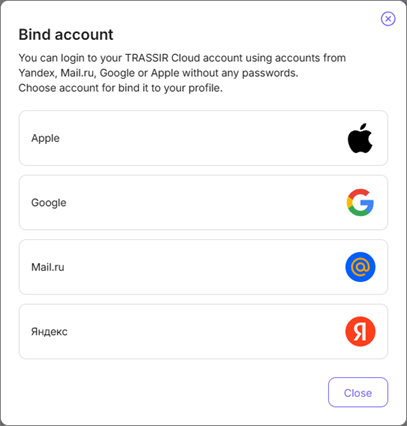
Press Bind. This will open a window where you can link your TRASSIR Cloud account to various authorization services. You can then use them for authorization in TRASSIR Cloud.
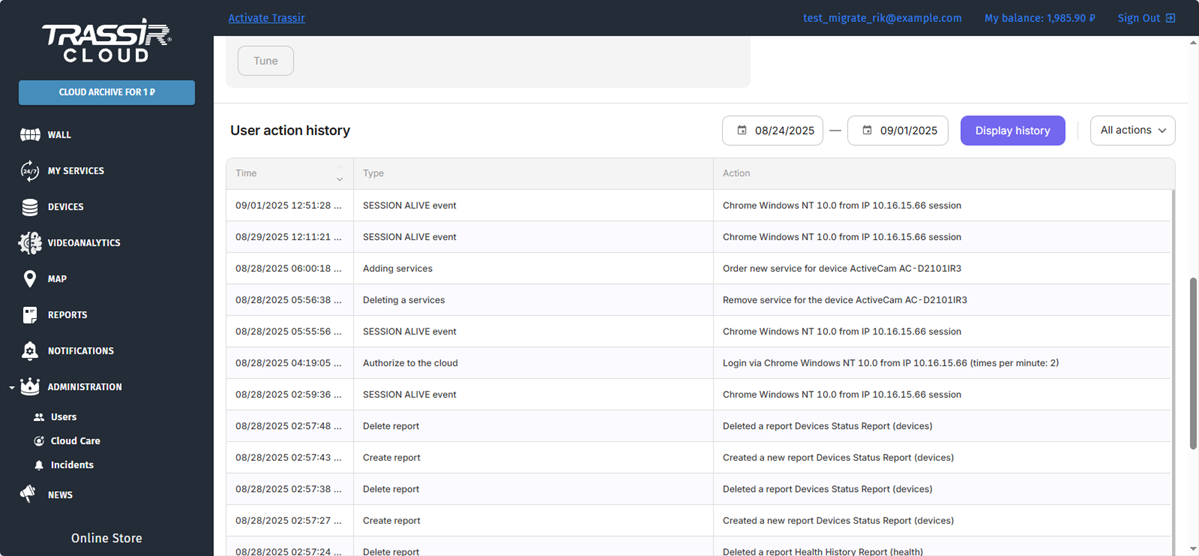
The User action history block shows manipulations with your account. To display the particular information, change the filter settings and click the Display history button.
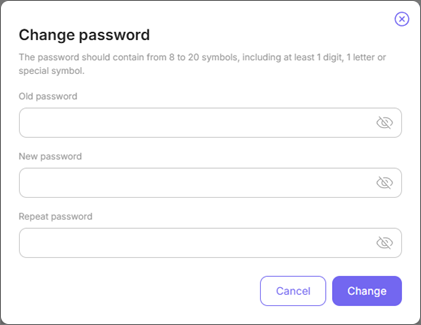
To change your password, click the Change password button. In the window that opens, enter your old and your new passwords
Mailing lists
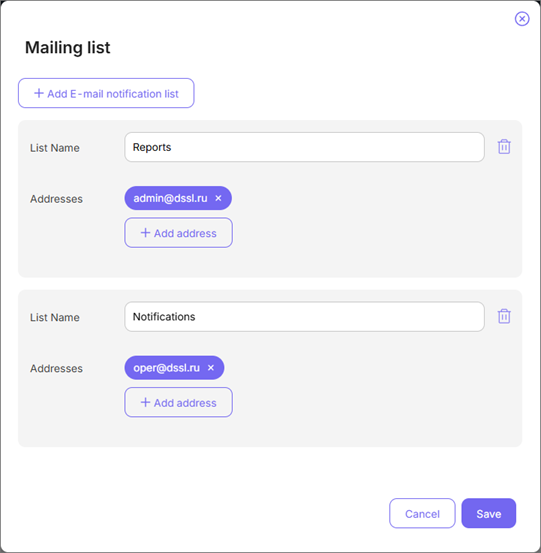
The cloud offers a wide range of options for your video surveillance system monitoring. You can define and build the mailing lists for Notifications or Device operation reports.
Build the required lists. For example one mailing list for reports and the other one - for notifications.
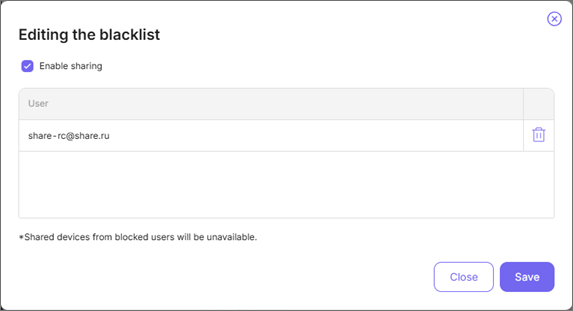
Black list
Click the Black list button to enable the Enable sharing option, view blacklisted users, or remove them from the black list.