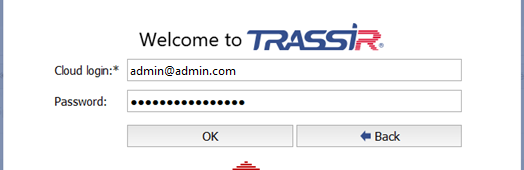
To log in the system, enter User name and Password, and in case of successful authorization the Main control panel window will open. Otherwise, the sign will appear  which means the authorization failure.
Tip
Two users: Admin and Operator are available in the system by default.
The administrator password in TRASSIR OS and in the server version installed as a Windows service is 12345.
The administrator of the server, installed as a Windows application, does not have a password.
Important
For security reasons, change the user passwords. For more information about working with users, see Users.
TRASSIR Cloud service users can also log in.
To do this:
- server needs to be connected with the cloud user account (see section Connecting server to TRASSIR Cloud);
- account user is allowed to access to this server (see Guidance on TRASSIR Cloud).
Provided all these requirements are satisfied, press Other user button to log in, type in the Cloud user name and Password.