
You can use the filter that searches for the person not only by name, but also by account number, access card or license plate.

in order to change data in a created person, select the person and click  near the photo and select Change.

In order to block a person, select the corresponding menu item and specify the date when the person is automatically unlocked in the opened window, if necessary.

The blocked person will be marked with a corresponding icon and caption. You can unblock it any time by pressing Unblock.

In order to enter the person settings mass change mode, press  and select Mass parameter assignment. After that, select the persons and other parameters to be assigned to these persons.
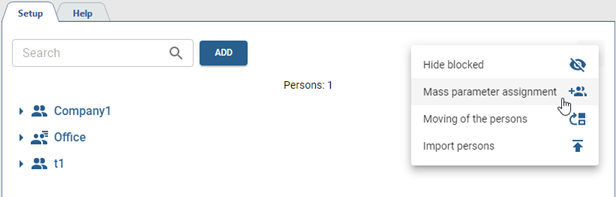

The Moving of the persons features works the same way. Instead of parameters, you need to select the group to which the selected persons will be moved.

