
MC service is a Monitoring Center (MC) service that collects and processes hardware status data using the server's internal services. All server status data is sent by the MC Service to the TRASSIR Cloud cloud service.
Important
Key features of starting and operating the MC service:
- The service must be installed under an account with administrator privileges.
- The service operates automatically without requiring additional configuration or regular updates.
To start the MC service, follow these steps:
-
In the server settings, open the Cloud tab and click Install Service.

-
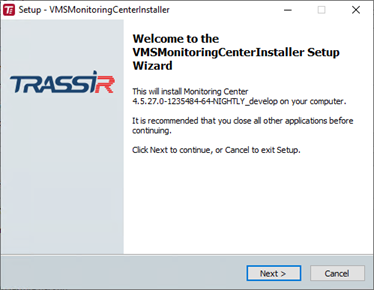
Click Next in the installation wizard.
-
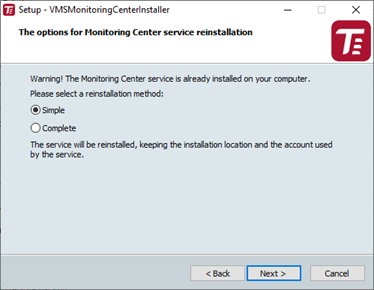
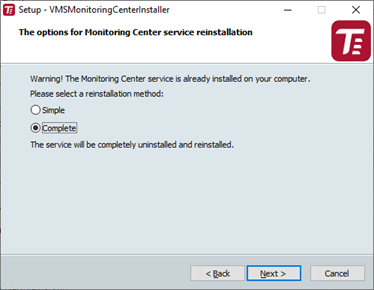
Select the service installation option and click Next.
-
If the Complete option is selected, choose the installation mode in the next wizard window: Standard or Advanced, then click Next.
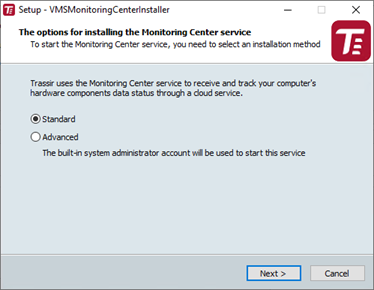
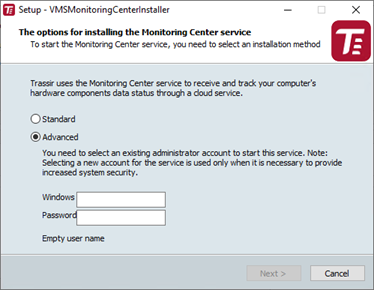
In Advanced mode, enter the administrator account credentials under which the service will operate. In Standard mode, the current OS user account is used.
-
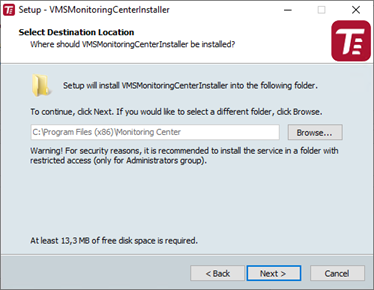
Select the installation folder by manually specifying the path or using the Browse button, and click Next.
-
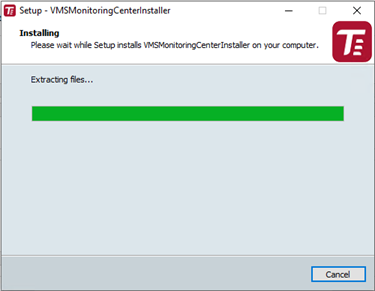
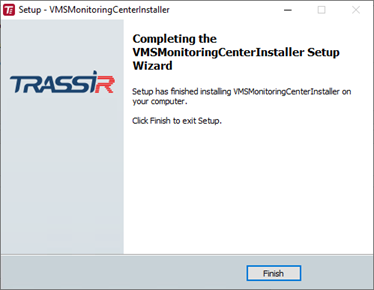
The installation process will begin. Upon completion, click Finish.
-
After a successful installation, the status of the MC service will change to installed.

Tip
If errors occur in the operation of the MC Service, an error message will appear, and the Restore service button will become available. Clicking this button will launch the installation wizard.

