
Important
Features of TRASSIR ACS web interface access:
-
The user account, which is used for authorization, should have the Enable login from mobile/web flag checked in the settings.
-
By default, the 8080 port is used to connect to TRASSIR ACS web interface. You can change it in the web-server settings, if necessary.
If a firewall is used, allow the connection to this port in its settings.
Perform the following actions to connect to TRASSIR ACS web interface:
-
Type the address of the following kind https://[ip-address]:[port]/s/pacs into your browser's address bar (for example: https://192.168.1.201:8080/s/pacs).
-
Specify the username and password in the authorization window. Select the web interface language, if necessary.
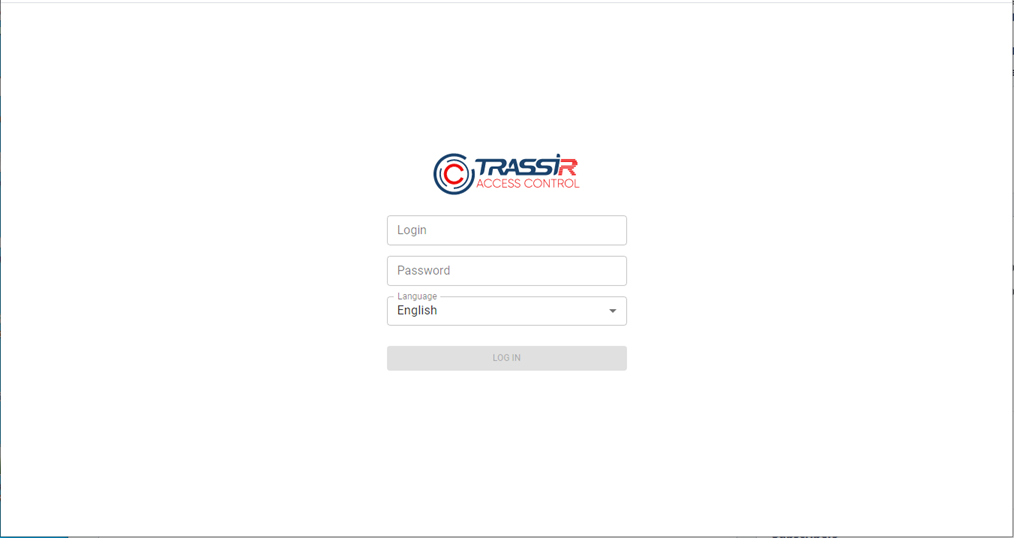
-
Upon successful authorization, TRASSIR ACS web interface will be available
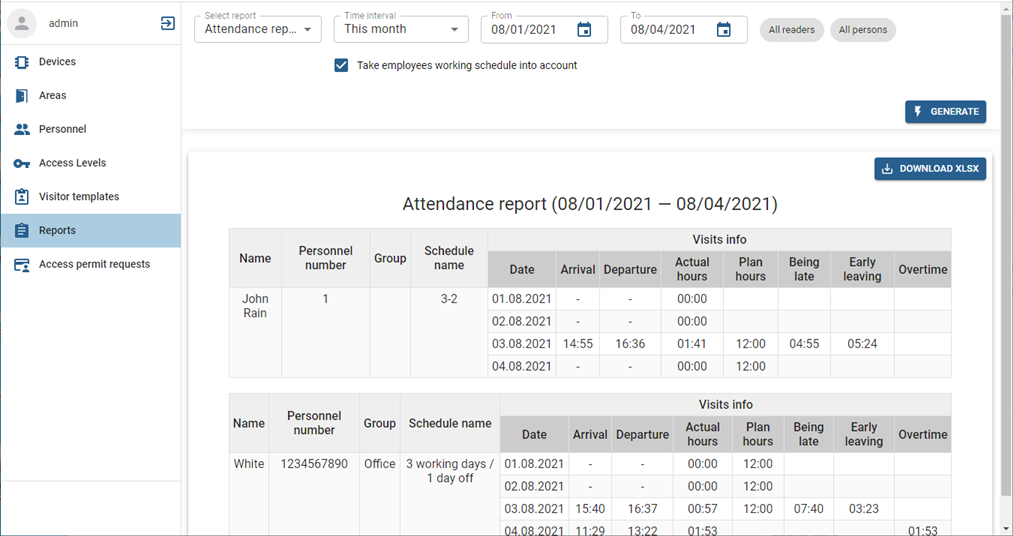
All web interface features are identical to TRASSIR ACS features on server. It lets you:
- Connect controllers, set up access points and readers (see Devices).
- Configure areas (see Areas).
- Add new persons or modify the existing ones (see Personnel).
- Set up and modify access level settings (see Person access levels).
- Create and edit visitor templates (see Visitor templates).
- Build various TRASSIR ACS usage reports (see Reports).
- Create, review, and activate temporary pass requests (see Handling access permit requests).
Tip
The list of available features is determined by the authorized user rights settings.
