
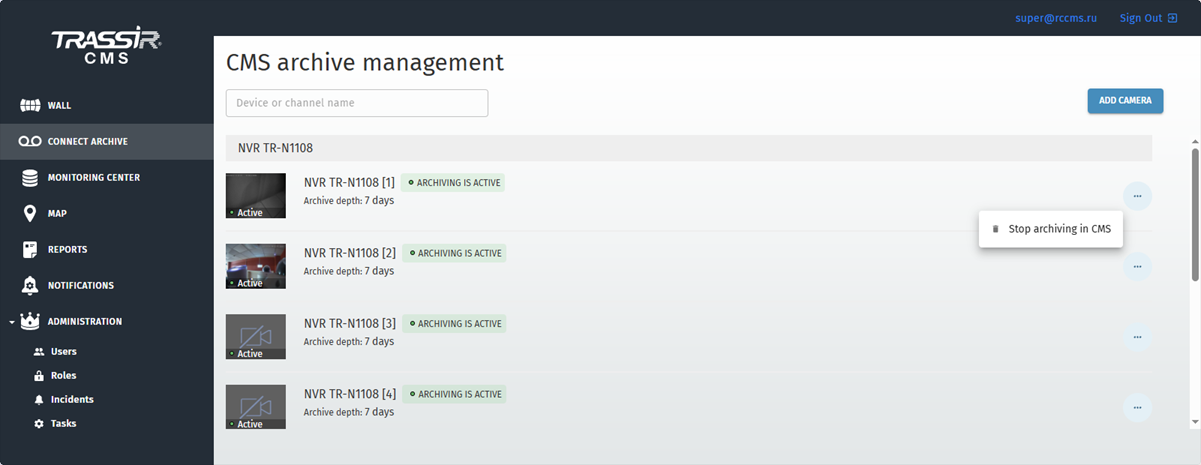
The Connect archive tab allows you to configure recording of the camera archive to the CMS server. Here you can view the list of cameras and the archiving status, add a camera and stop recording the archive.
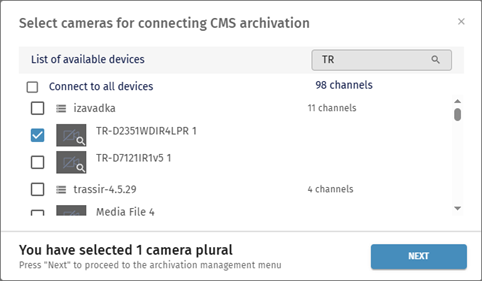
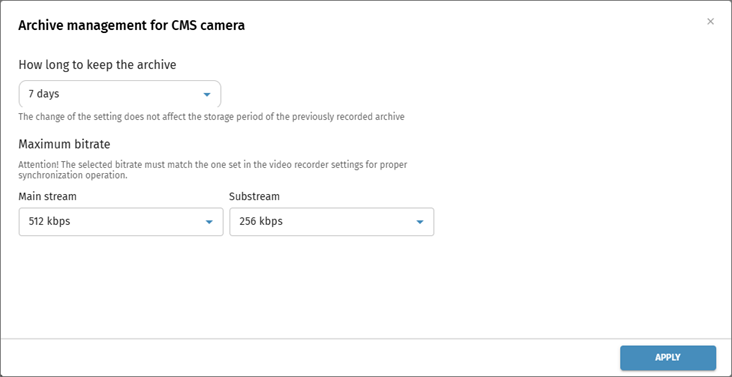
Click the Add camera button to select devices to connect and set up archiving. Specify the archive storage period and the maximum bitrate for the main and substreams. To save the settings, click Apply.
To stop recording the archive, click the button opposite the camera in the list and select Stop archiving in CMS. Confirm the tariff deletion by clicking the Delete button.

