
There are two ways of assigning a role to a user:
- Select user on the Users tab and assign one or several roles to him.
- Select a role on the Roles tab and assign it to one or several users.
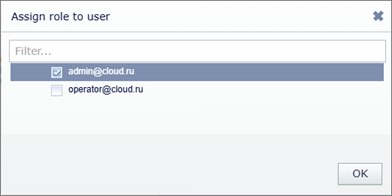
Both ways lead to assigning several roles to a user. The settings of the roles unite on the below described principle.
Union of roles in "Interface limits" settings group:
- If a certain restriction is checked in one of the roles assigned to a user, the user is allowed to use the corresponding interface function.
- If this restriction is unchecked in all roles assigned to the user, the user is denied the corresponding interface function.
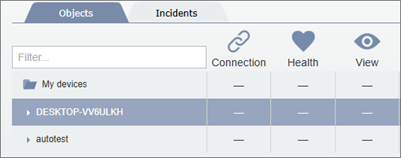
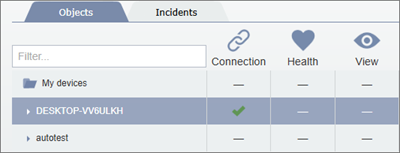
Union of roles on "Objects" tab
Table 138.
| A role | Another role | Result of union of roles |
|---|---|---|
 |
|
Feature is not assigned |
 |
|
Feature is allowed |
|
|
Feature is allowed |
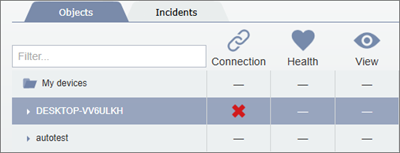 |
Any value | Feature is not allowed |
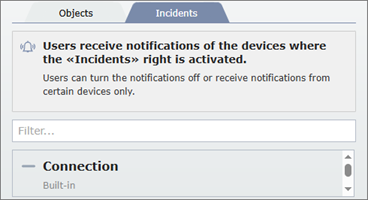
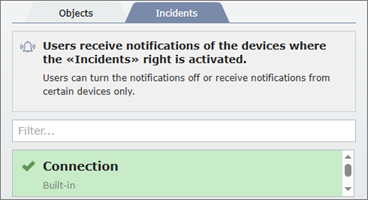
Union of roles on the "Incidents" tab:
Table 139.
| A role | Another role | Result of union of roles |
|---|---|---|
 |
|
Notifications disabled |
 |
|
Notifications enabled |
|
|
Notifications enabled |
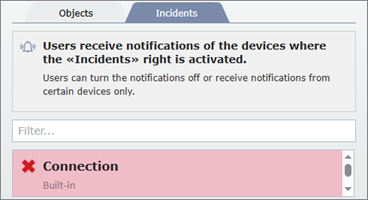 |
Any value | Notifications disabled |
