
To quickly monitor the status of your video surveillance system, TRASSIR CMS allows you to configure notifications to be sent to the operator interface and to email.
This section lets you create and set up notifications on alarm events, sound detections and also system health state.
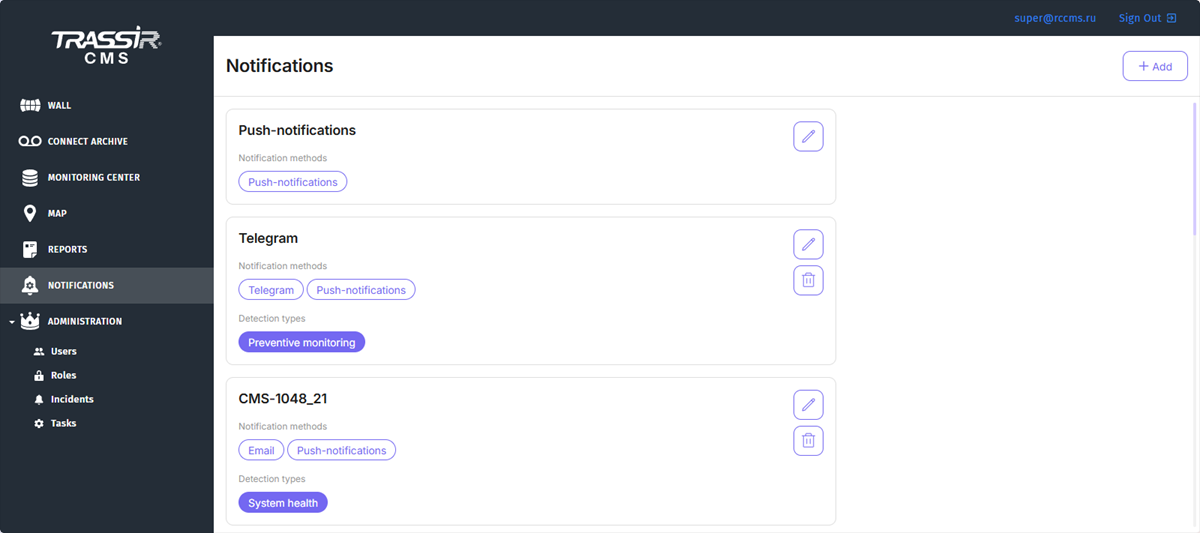
To create a new notification, click Add. To edit an existing notification, click  .
.
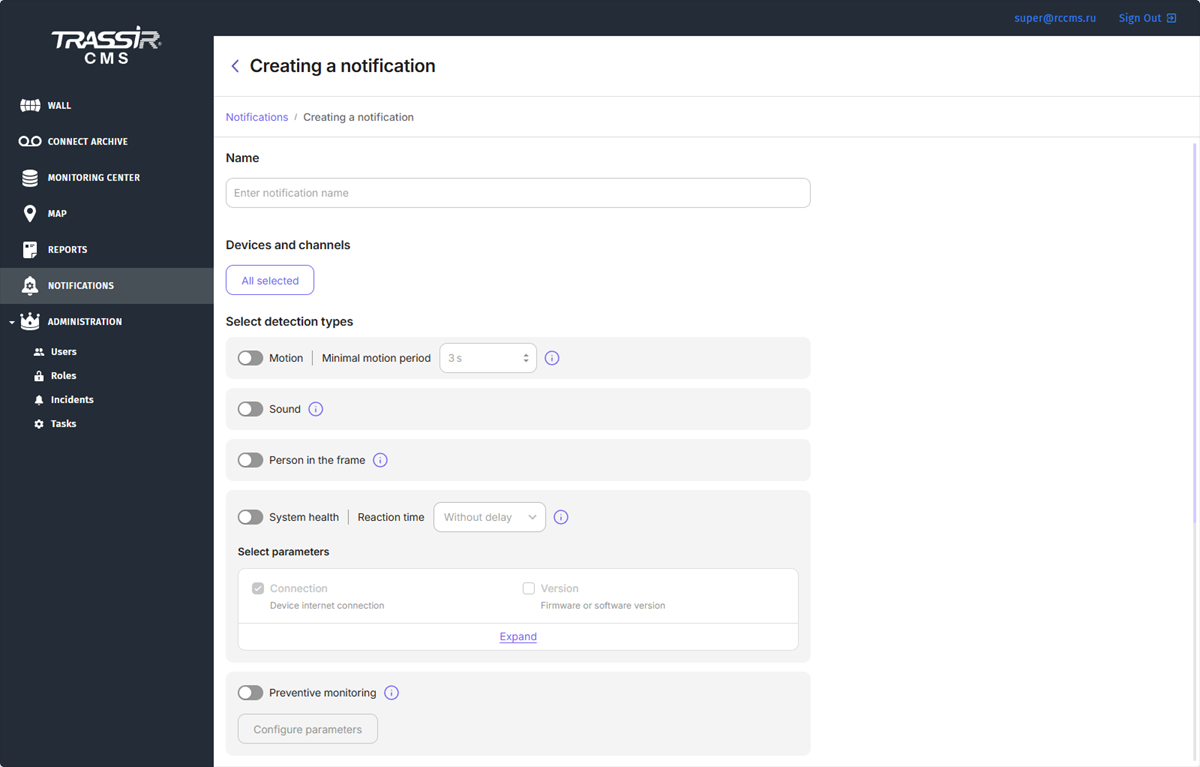
Enter a name for the notification. By default, all devices and channels are selected for notifications. In the Devices and channels field, click the All selected button to specify individual devices or channels for which you want to receive notifications.
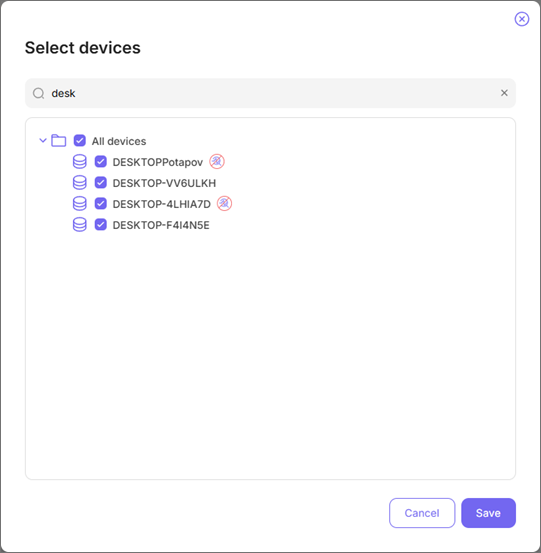
Next to the devices, there can be an icon with the following meaning:

Select the notification type and set up its parameters:
-
Set the minimal motion period for motion notifications.
-
Enable Sound for sound notifications.
-
In order to receive notifications on persons in the video, enable Person in the frame.
-
For health notifications, select indicators you want to track. You can select indicators for cameras as well as for your server.
Specify Reaction time to send notifications after some time after the indicator values change: Without delay, 10 minutes, 1 hour, 2 hours.

-
For notifications on the events of the Preventive monitoring, enable Preventive monitoring.
To display the set values, click Configure parameters button. Only a system administrator with superuser rights can change the system settings of the Preventive monitoring.
Select notification methods. In the E-mail addresses field, select the list of e-mail addresses that will receive notifications.
You can configure the frequency of notifications. In order to receive them right after the indicators change their state select Everytime. To receive messages about the indicators' state alterations for a certain period, select No more than once every... and specify the time period.

Tip
If there are no addresses in the e-mail list, notifications will be sent to the operator interface.
