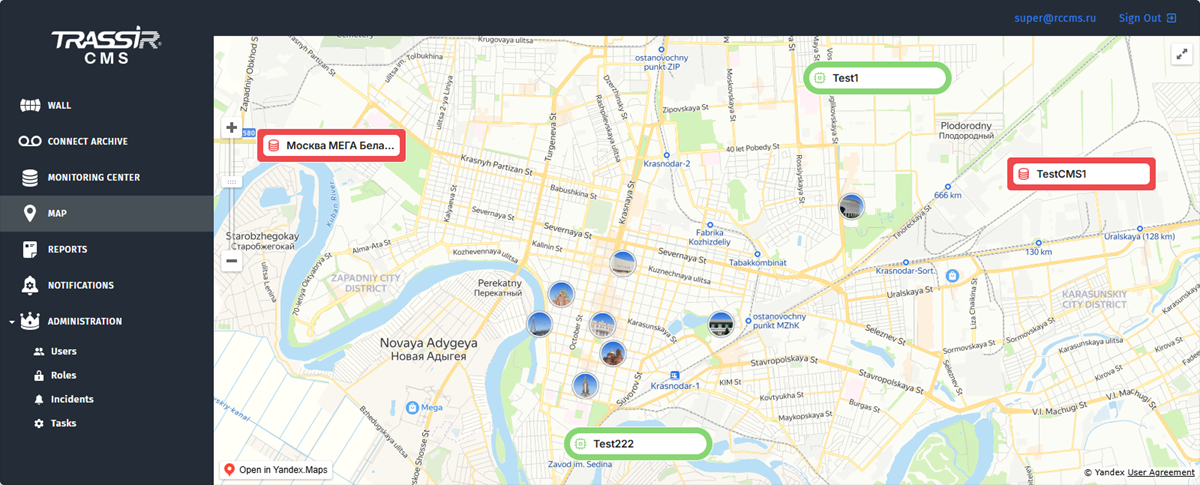
TRASSIR CMS lets you locate on map devices installed in various parts of a city or a country. To do this, go to parameters settings and specify the device coordinates. The devices with the same coordinates will be united in the same device group on the map.
If one of the devices loses its connection with the cloud or starts working incorrectly, the server will change color from green to red on the map. Yellow color means that UDP packages cannot be received from VMS. Click the device to see the list of malfunctioning indicators. This feature lets you quickly decide how to proceed, and the server's location on the map will point how far it is.