
This section is dedicated to connection of the Access Control controllers and other devices to the server and configuration of their parameters.
Go to Plugins -> Access Control -> Devices to open.
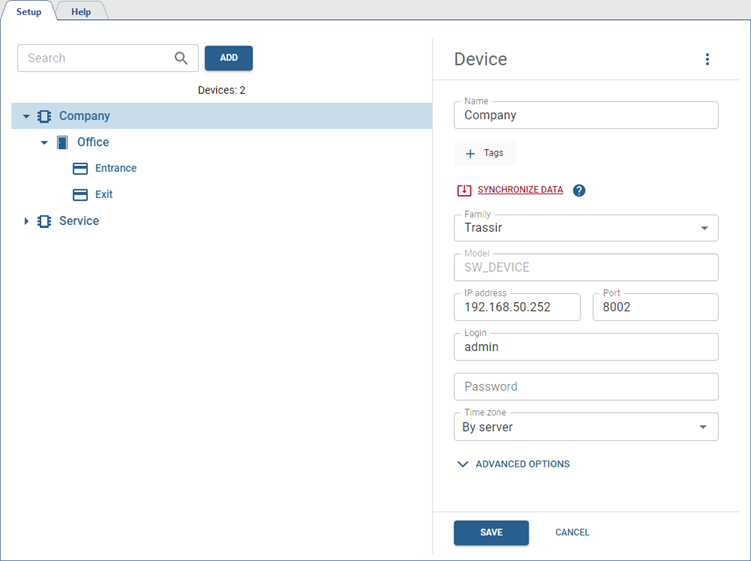
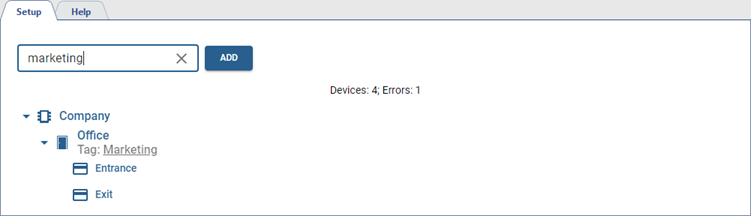
If you have numerous added devices, it is recommended to search by device name, as well as by tags, if they are assigned (see Tags).
You can find a detailed description of the Devices section operation process in the following sections:
You can use the rights to the individual server objects to set different options to access viewing and editing functions of devices.
The rights are located on the rights tree at: Server name -> Plugins -> Access Control -> Devices.

-
If the Devices section has the View right enabled, the section itself and the added devices are displayed in the settings interface.
If the Setup right is enabled, the user can add new devices.
-
If the added device or access point has the View permission enabled, they are displayed in the settings interface.
If the permission is disabled, devices and access points are not displayed, and events from them are not recorded in the Access Control Log.
-
Added devices or their access points with the Setup right enabled are available for editing parameters.
